Changelog Honista APK Latest
Honista changelog now recently moved to a new update towards bug fixes, Improvements, and exciting features to enhance user experience. More control over customization for its long time or for the first time users, these changes aim to deliver better privacy, smoother performance.
Whats New and Improved
Honista changelog v11.1
Honista APK Launched on May 27, 2025
System Core: Base Update to 367.0.0.43.91.
Improvements:
> CPU Architecture: arm64-v8a.
> The app system has been completely rebuilt for better speed and performance.
> The magic button now works the same across all app sections.
> You can now see all your past message edits clearly.
> Shows full follow status details for every user.
> Mentions in posts and captions can now be seen and copied easily.
> Links and hashtags in post captions can be viewed and copied with one tap.
> Links and mentions inside comments can also be displayed and copied.
> Page bios now show all mentions and links that can be copied.
> Story links are now visible and can be copied quickly.
> You can now view and copy profile bios too.
> Json data is now viewable and copyable in every section.
> Page ID and Unique ID can now be copied with the magic button.
> Media links, covers, and audio files can be copied or downloaded easily.
> Shows the exact time when each comment was posted.
> Media, covers, and audio can be shared directly to Telegram.
> GIFs in comments can now be downloaded.
> GIFs in messages can also be downloaded.
> Added a magic button for text messages.
> Added a magic button for replied messages.
> You can now turn off your activity history recording.
> Added new options to delete your download history.
> You can open the original post, copy page ID, or copy post link right from the download history.
> The same options are also available in the activity history section.
> More ways added to delete your activity history.
> You no longer need to set a password to hide chats.
> Added a new button to view Reels in full screen.
> Fixed font display problems in Stories.
Improved System
Page Analyzer
Enhanced Stability
NO Ads
Bug Fix
 AI Chat Bot
 Honista APK Get Started
 React to Stories With Avatar
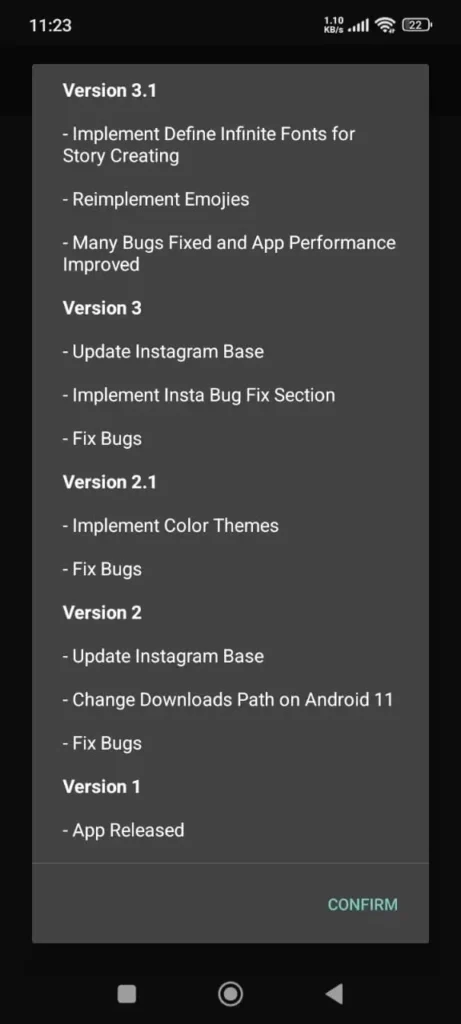 Version3.1-Version1
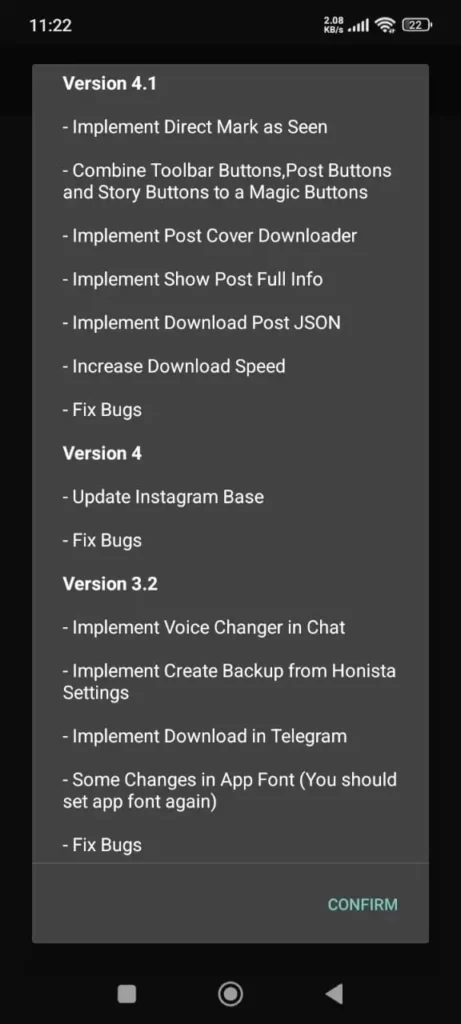 Version4.1-Version4
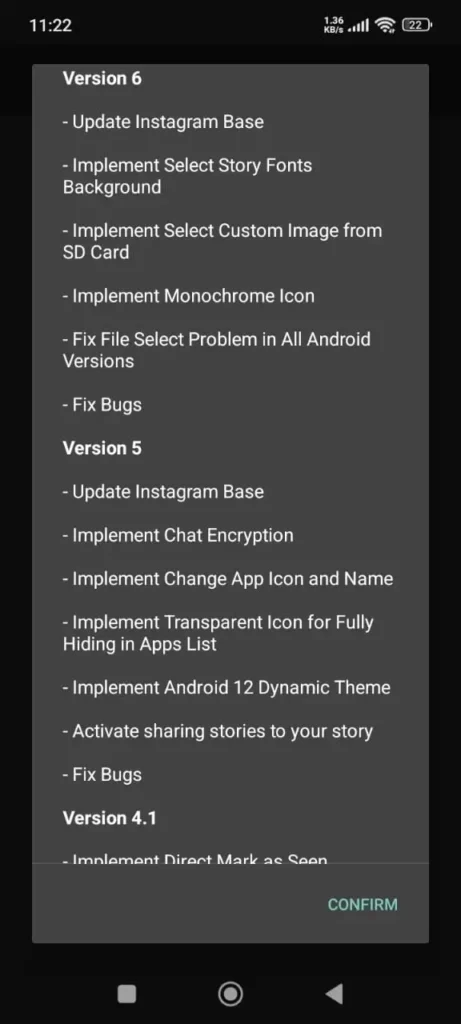 Version6-Version5
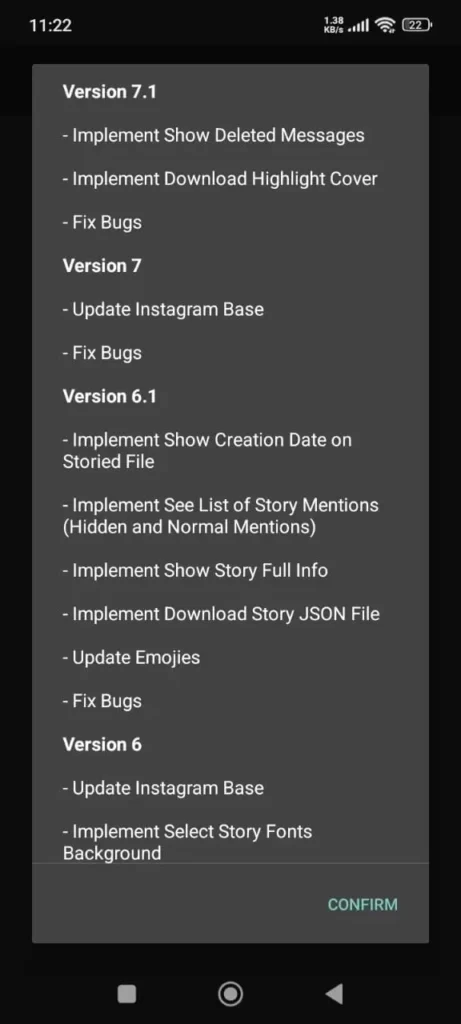 Version7.1-Version6.1
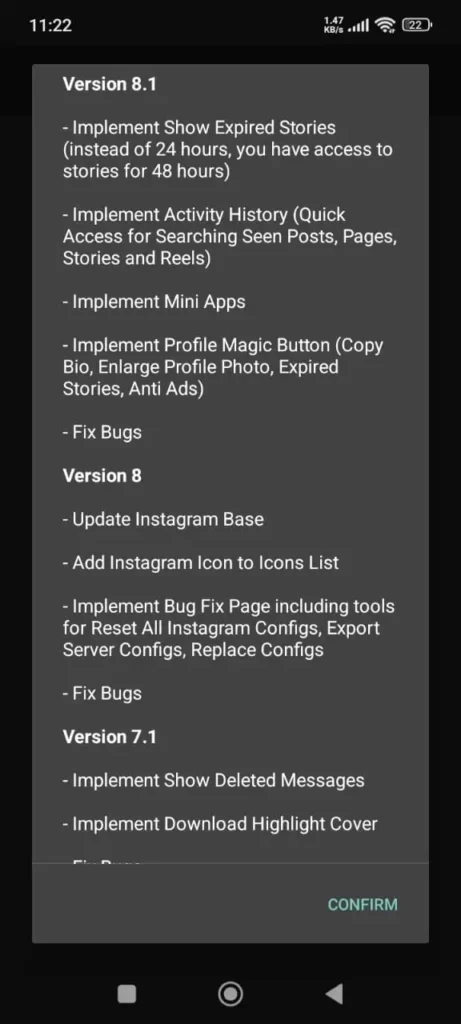 Version8.1-Version8
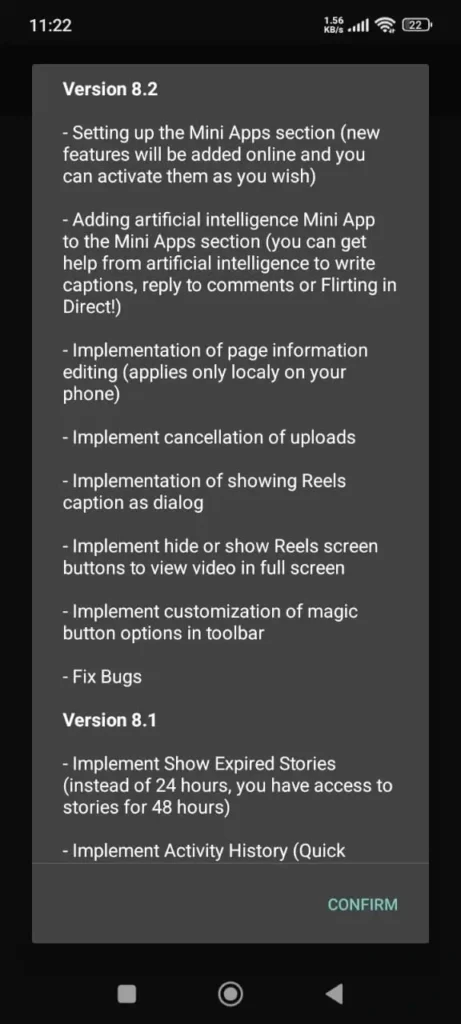 Version8.2
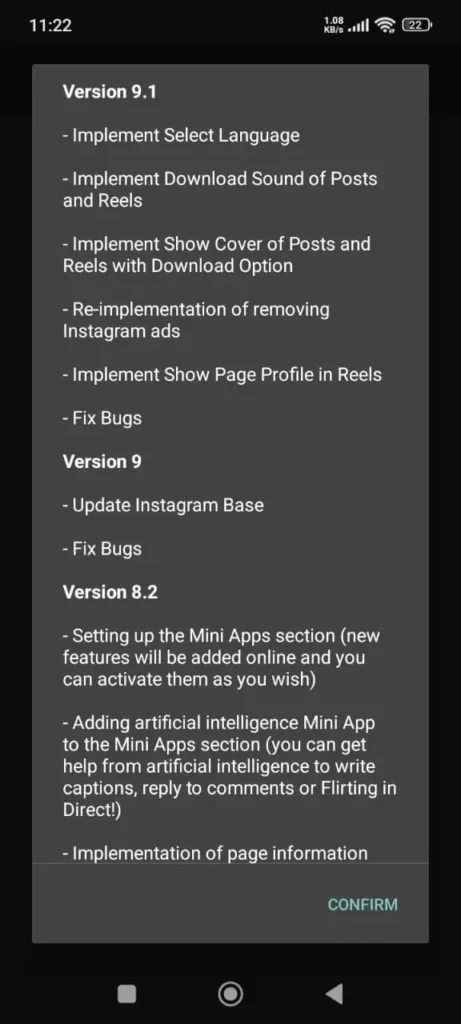 Version9.1-Version9
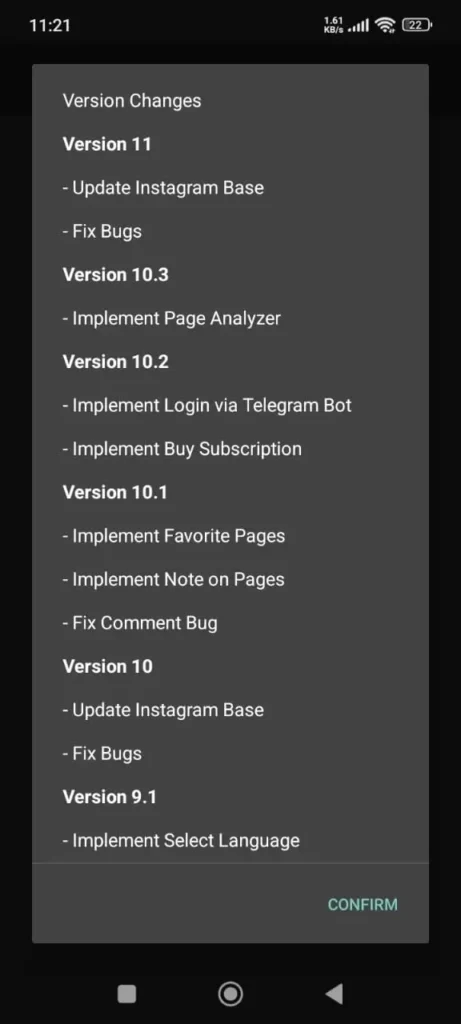 Version11-Version10
Honista changelog v11
Honista APK Launched on May 27, 2025
System Core: Base Update to 367.0.0.43.
Improvements:
> For smoother use Optimized performance.
> Minor bug fixes to ensure stability.
Honista v10.3
Honista changelog Launched on February 15, 2025
System Core: Base Running version 347.3.0.41.103
Support: Arm64-v8a architecture.
Improvements:
> Introduced Page Analyzer for deeper content and profile insights.
> Improved APK performance with faster loading speeds.
> General bug fixes for enhanced stability.
You Can also download Honista Lite, iOS & PC for smooth experiance.
Honista v10.2
Honista changelog Launched onJanuary 12, 2025
System Core: Base version 347.3.0.41.103.
Improvements:
> Added Telegram Bot login option.
> Subscription service to remove ads.
> Direct media download support to Telegram.
> Fixed app errors for a smoother Instagram experience.
Honista v10.1
Launched on October 31, 2024
System Core: Update base 347.3.0.41.103.
Improvements:
> Introduced Favorite Pages feature.
> Added option to write notes on pages.
> Fixed comment related bug for better engagement.
Honista v10.0
Honista changelog Launched on October 16, 2024
System Core: Based update version 347.3.0.41.103.
New Options:
> Long-press a comment to copy it instantly.
> Added hidden Instagram secret settings for advanced control.
Honista v10.0
Launched on October 16, 2024
System Core: Based update version 347.3.0.41.103.
New Options:
> Long-press a comment to copy it instantly.
> Added hidden Instagram secret settings for advanced control.
Honista v9.1
Honista changelog Launched on August 7, 2024
System Core: Base update 328.0.0.42.92.
Features:
> Multi language support added for global users.
> Download audio from posts and Reels.
> View and save Reels covers.
> Reintroduced ad-blocking for a cleaner feed.
> Show page profile directly in Reels.
Honista v9.0
Launched on June 18, 2024
System Core: Base Running to base 328.0.0.42.90.
Enhancements:
> Added more Instagram hidden features for customization.
Honista v8.2
Honista changelog Launched on April 17, 2024
New Tools:
> Introduced a Tools Hub for advanced settings.
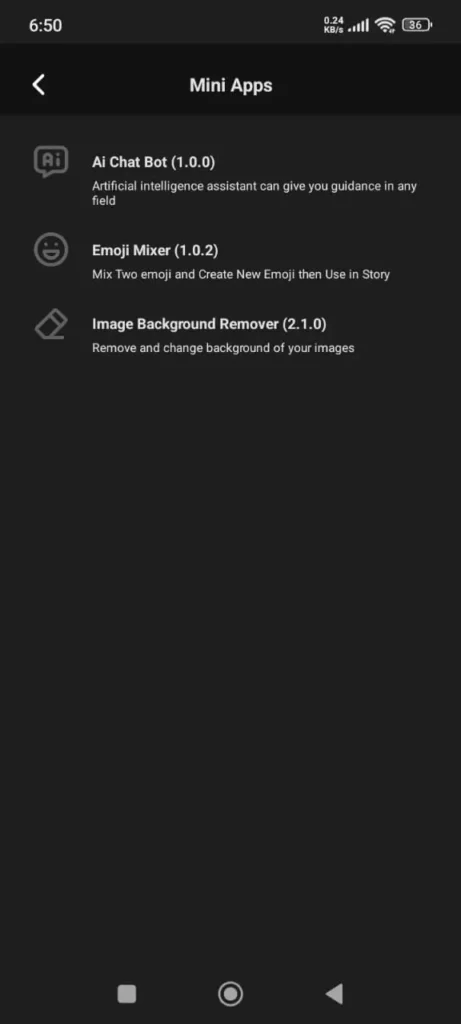
> Added AI tools for captions, replies, and auto chat.
> Local editing for page info on device.
Reels & Media:
> Cancel upload option
> Show Reels captions as dialog.
> Hide/show screen buttons for full-screen video.
Customization:
> Modify toolbar’s magic button.
> Fixed bugs for better performance.
Honista v8.1
Honista changelog Launched on February 1, 2024
Features:
> Extended stories visible up to 48 hours.
> Activity history for quick access to posts, pages, and Reels.
> Profile Magic Button with bio copy, photo zoom, expired story view, and ad-block.
> Option to copy Reels captions.
> Fixed app bugs
Honista v8.0
Honista changelog Launched on November 15, 2023
Additions:
> New Instagram app icon.
> Bug fix tools for reset/export/replace Instagram configs.
> Extra Instagram secret settings.
> Resolved minor errors.
Honista v7.2
Honista changelog Launched on October 20, 2023
Fixes:
> Resolved app crash issue on startup.
> Recommended update only if facing crashes.
Honista v7.1
Honista changelog Launched on August 20, 2023
Features:
> View deleted messages in chat.
> Download highlight covers.
> Fixed various bugs.
Honista v7.0
Launched on June 28, 2023
System Core: Based on version 283.0.0.20.10.
Fixes:
> Improved stability with bug fixes.
Honista v6.1
Launched on April 6, 2023
Story Enhancements:
> Show story creation date.
> View mentions list (hidden & visible).
> Download story JSON file.
> Base Running emojis.
> General bug fixes.
Honista v6.0
Launched on March 21, 2023
System Core: Base upgraded to 266.0.0.19.106.
Features:
> Custom story fonts & backgrounds.
> Add images from SD card.
> Monochrome app icon option.
> Fixed file selection issues across Android.
Honista v5.0
Launched on December 6, 2022
System Core: Based on 253.0.0.23.114.
Features:
> Encrypted chat for privacy.
> Change app name and icon.
> Hide app with transparent icon.
> Android 12 dynamic theming.
> Share others’ stories to your own.
> Fixed multiple bugs.
Honista v4.1
Launched on August 30, 2022
Features:
> Mark DMs as seen instantly.
> Combined toolbar, post, and story buttons into Magic Button.
> Post cover downloader.
> View full post details and export as JSON.
> Faster downloads.
> Fixed bugs.
Honista v4.0
Launched on June 18, 2022
System Core: Base update to 232.0.0.16.114.
Fixes:
> For smoother use Minor bug resolutions.
Honista v3.3
Launched on May 28, 2022
Fixes:
> Resolved app crash issue.
Honista v3.2
Launched on May 16, 2022
Features:
> Voice changer in chat.
> Option to backup settings.
> Font adjustments (reset required).
> General bug fixes.
Honista v3.1
Launched on February 27, 2022
Features:
> Unlimited story fonts.
> Emoji updates.
> Performance improvements and bug fixes.
Honista v3.0
Launched on January 18, 2022
System Core: Upgraded to 215.0.0.27.359.
Fixes:
> Bug resolutions for stability.
Honista v2.1
Launched on December 6, 2021
Features:
> Added color themes.
> General bug fixes.
Honista v2.0
Launched on October 4, 2021
System Core: Base Running to 202.0.0.37.123.
Features:
> Adjusted download path.
> New emojis added to fonts.
> Fixed minor bugs.
Honista v1.0
Launched on August 17, 2021
Initial Release: Based on Instagram 190.0.0.36.119.
Highlights:
> First stable release of Honista APK.
Conclusion:
Change in Honista APK show the app’s commitment to its users by improving experience with faster performance, privacy features, and a more modern design. Whether you value speed, security, the new update ensures enjoyable experience. The new updates not only fix past issues also introduce new options for users to control with comfort.
About the Author
Ryan Matthews App Reviewer & SEO Specialist with over 5 years of experience in writing about Android apps, APKs, and digital tools. He specializes in simplifying complex software into clear, user-friendly guides. His goal is to help readers stay safe while exploring new apps and to provide honest, practical reviews backed by real testing.